Frequently Asked Questions

Find some HELPFUL INFORMATION about Sigmondo

If you have further questions, please don’t hesitate to use our contact form.

FAQ Category
Reset

TYPING TEXT is no fun!

Yes, we know. And we tried to find ways to make it easier: use Siri to dictate your text use the Remote on your iPhone or iPad for your Apple…

WEATHER (and city) are missing

Sigmondo uses your location to get weather info Sigmondo uses your current location to display weather information. The app gets your location by using the built-in location services of Apple…

Weather provider

Since 4.5  Sigmondo uses Apple Weather to provide accurate weather forecasts. You need to have at least tvOS 16.0 on your Apple TV to run this version of Sigmondo.

Can I use AirPlay?

Sorry: no. Since the introduction of AirPlay 2 Apple decided to have audio sources with different priorities. This means that a source streaming via AirPlay has to be seen as…

Can I use Sigmondo on MULTIPLE APPLE TVS?

Yes, you can use Sigmondo on every Apple TV that is connected to your Apple ID. We try to keep the app simple and affordable. Therefore in Sigmondo you can…

Does Sigmondo PLAY MUSIC?

Sigmondo plays the sound from videos that are inside your media area – if you want so. There is also an option to disable audio output altogether. With sound in…

How do I PAY for the app?

Download the app for free from the App Store on your Apple TV. You can then use the demo content to test the basic features of Sigmondo. To use your…

How to SORT pictures and video in the Main Area?

To change the order of videos and pictures in the Main Area of Sigmondo best rename them in your Dropbox or OneDrive folder. Sigmondo plays them in alphabetical order. The…

I am trying to use the LIVE STREAMING feature, but…

Sigmondo technically supports video streams in the following formats: HTTP Live Streaming (HLS), best recognized by the file extension “m3u8”, RTSP and other VLC-compatible streaming formats. For example, use this:…

My LOGO PREVIEW is shown wrong!

This is technical limitation of Dropbox and OneDrive storage services. To save bandwidth and load a quick overview of your folder’s contents we just display thumbnail versions of your images.…

Got any further questions?

If you’re experiencing any issues with Sigmondo please feel free to contact us via our support form.

Discover MORE FEATURES

Watch our video tutorials to gain more insights on how to use the various features of Sigmondo.
Filters
Please select your Sigmondo version to filter the feature-list.
Reset

THE FIRST STEPS with Sigmondo Portrait

Watch how to start using Sigmondo

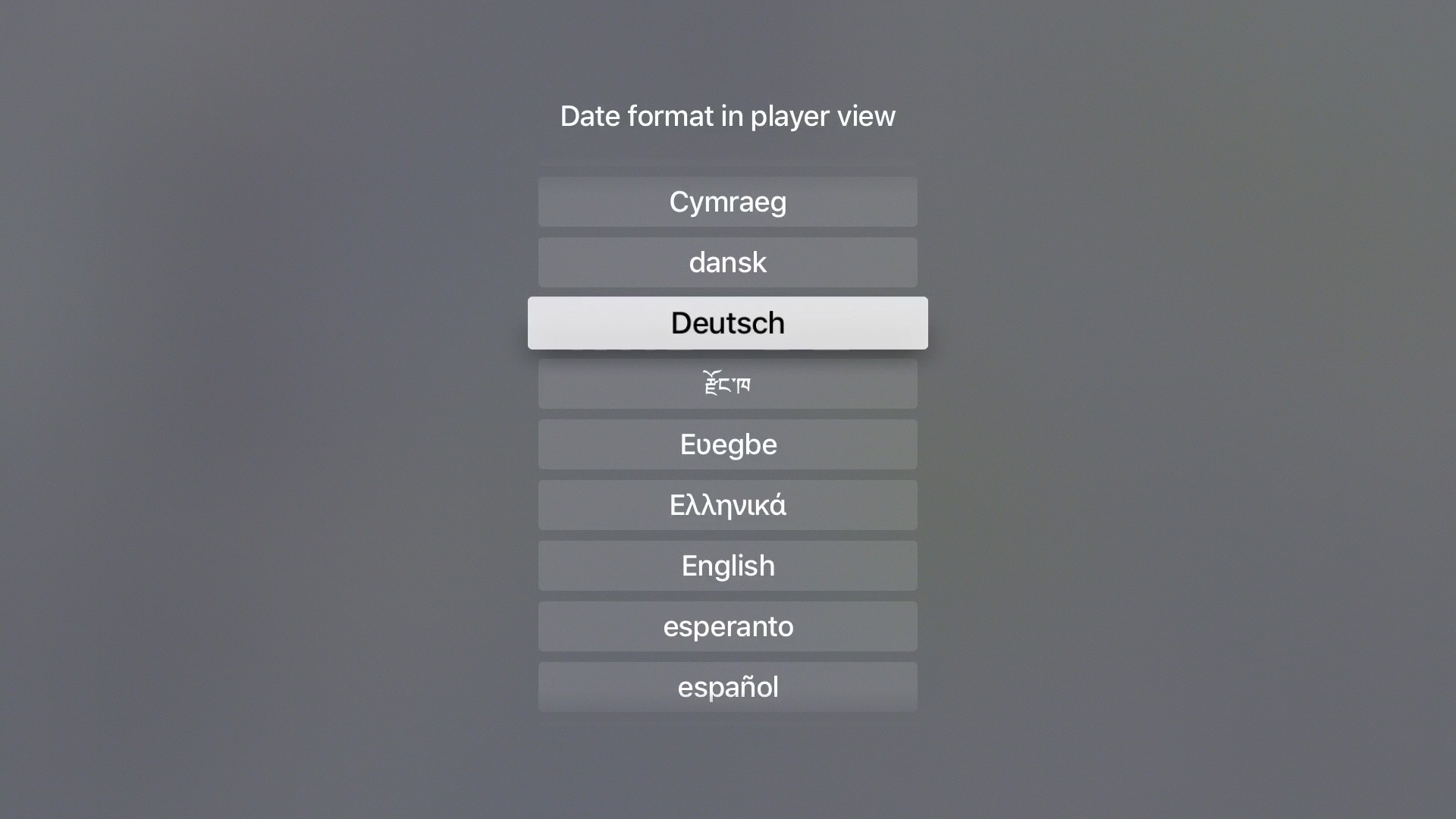
DATE LANGUAGE SETTINGS

Show the date in your language

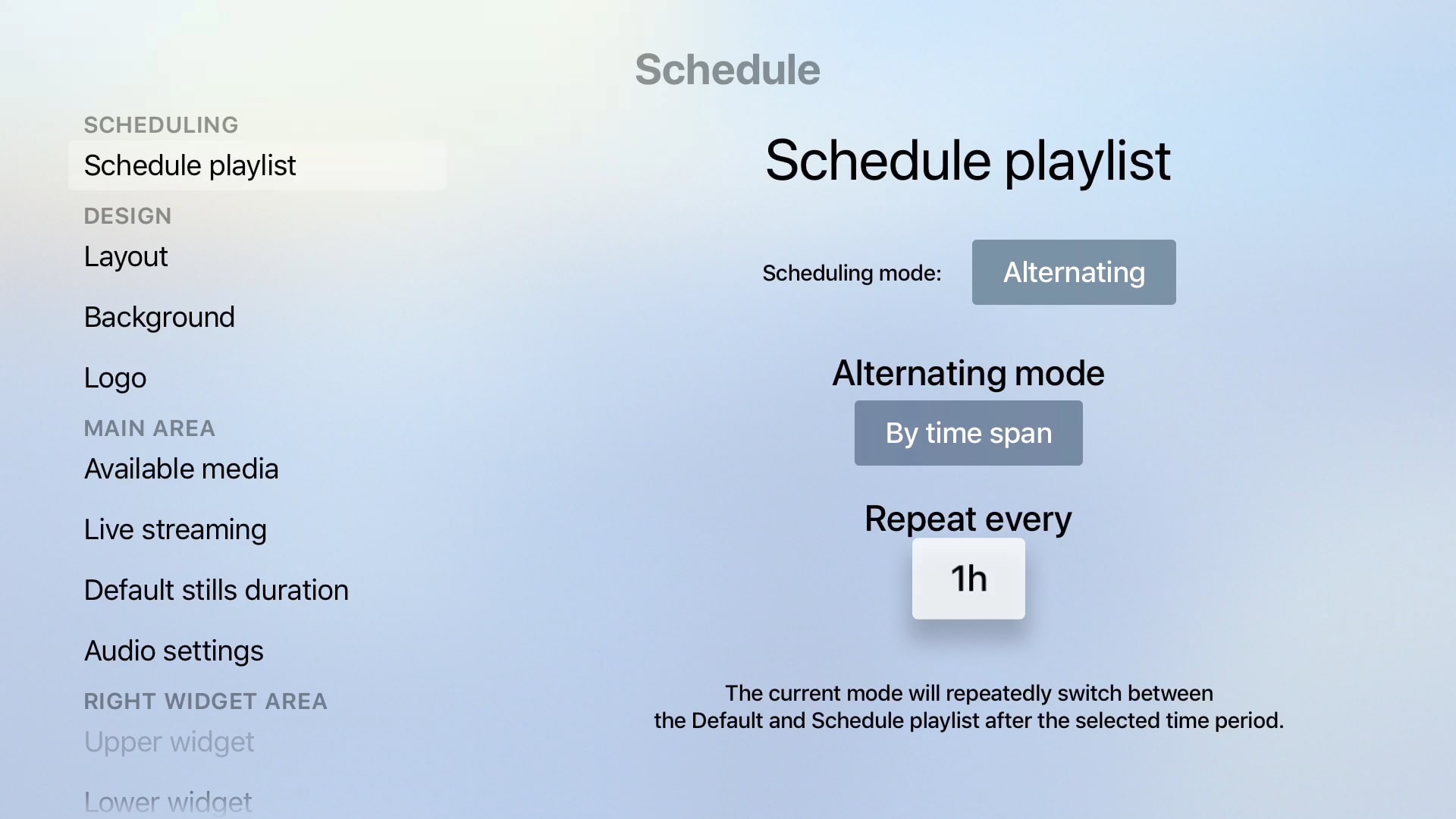
SCHEDULE OPTIONS

Use the different time options.

Sigmondo Settings Audio

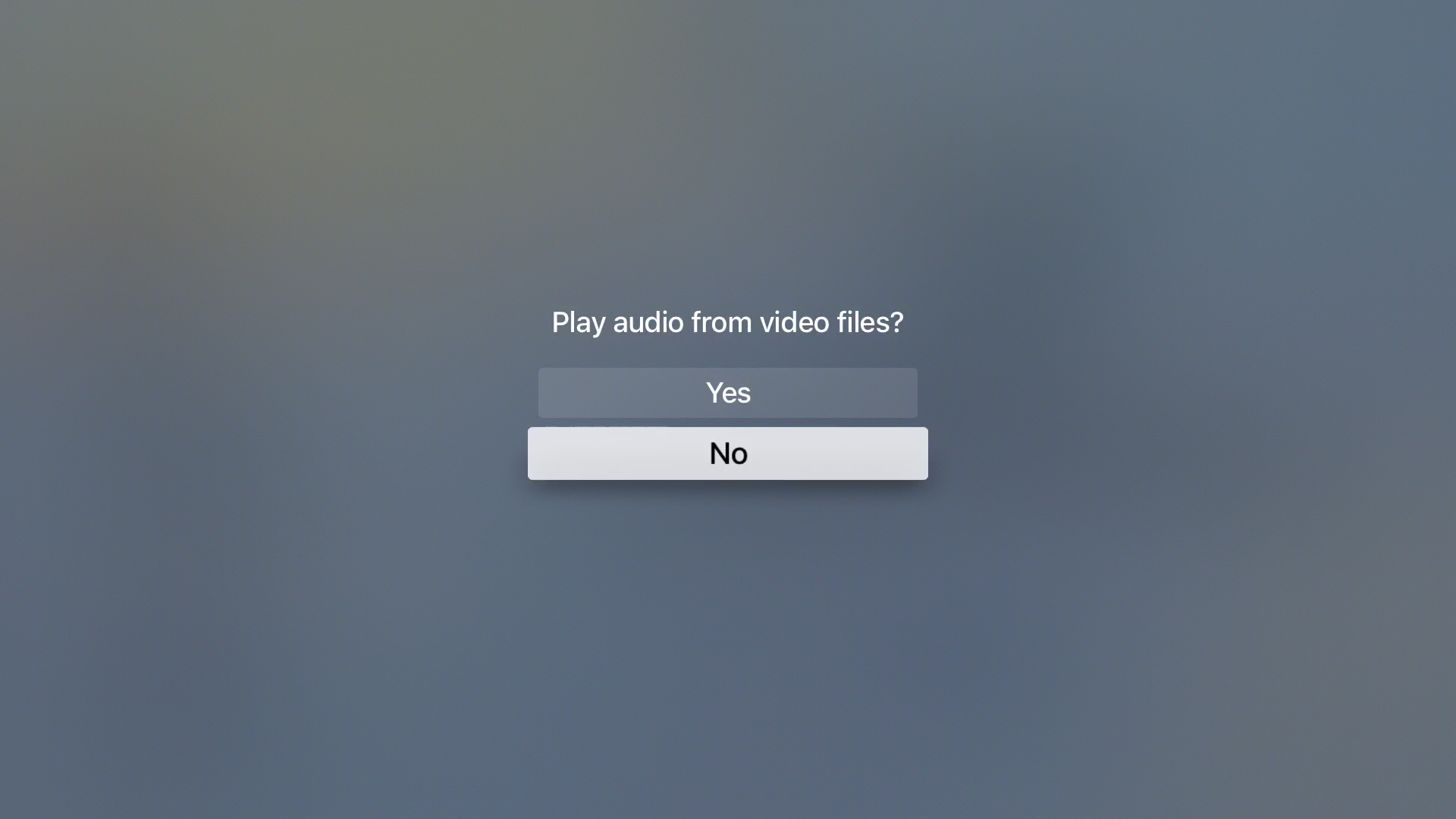
AUDIO SETTINGS

How to apply Audio

THE FIRST STEPS

Watch how to start using Sigmondo

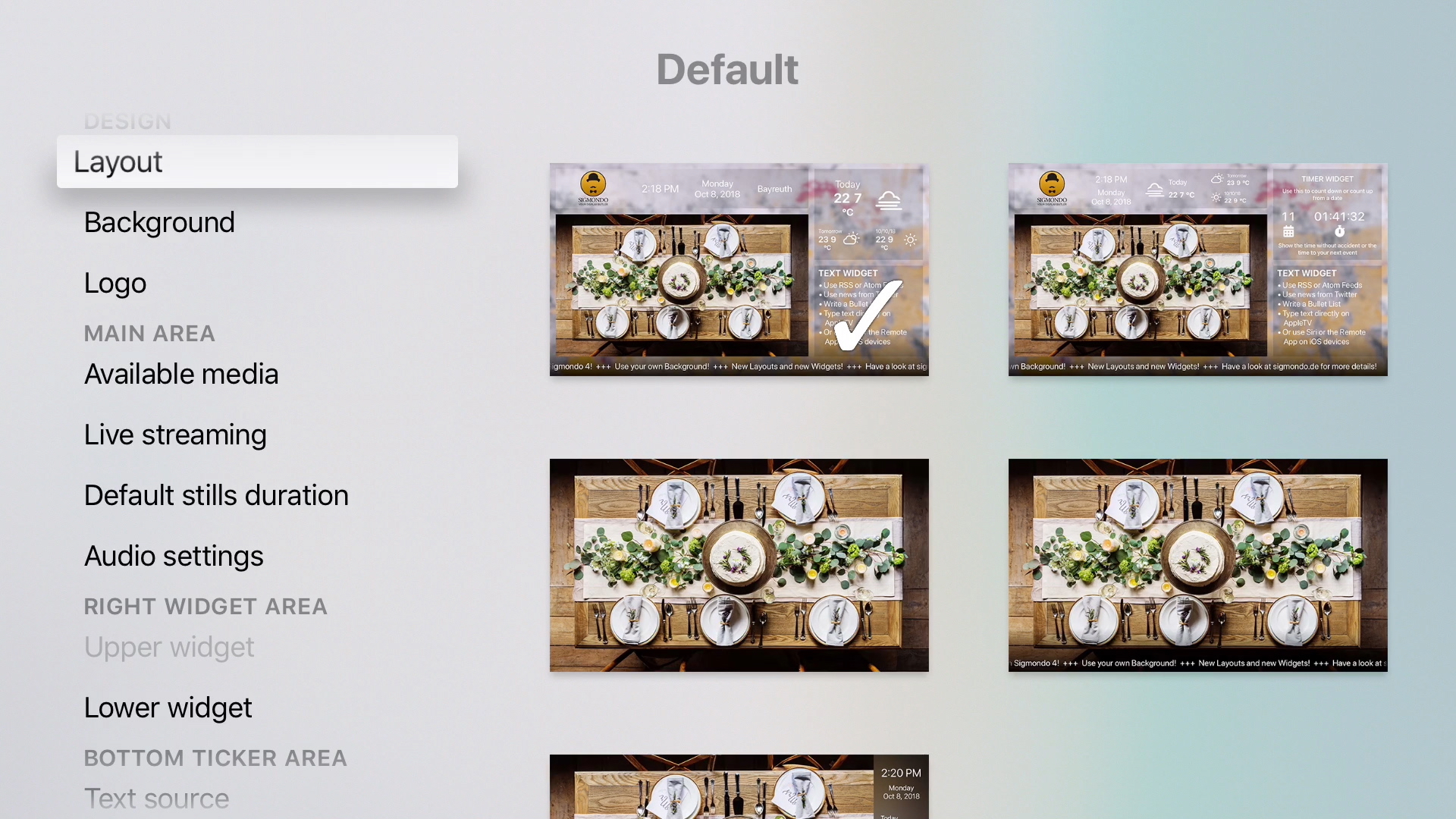
CHOOSE A LAYOUT

Change the look by choosing layouts

USING WIDGETS

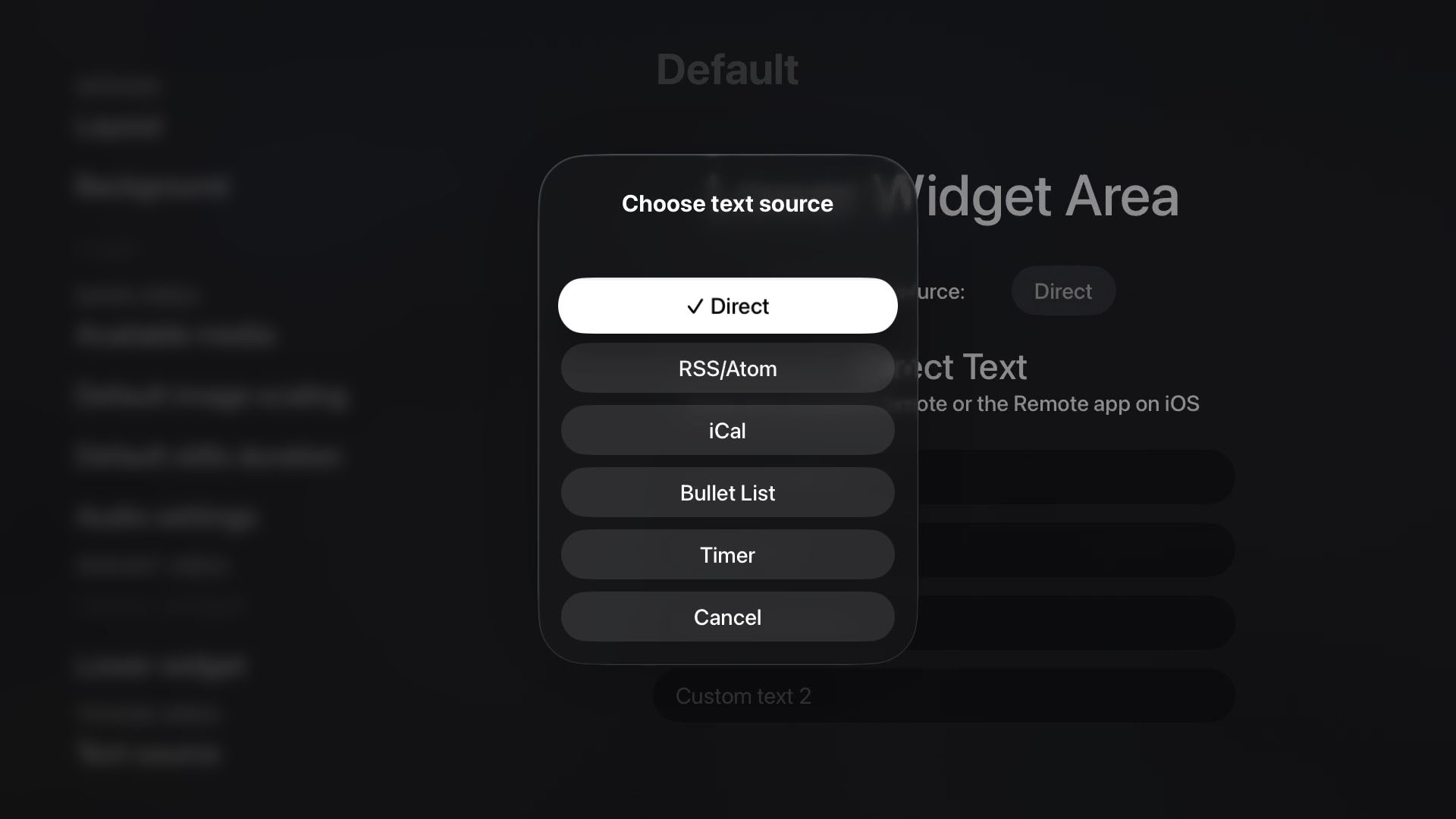
Bring in text from different sources